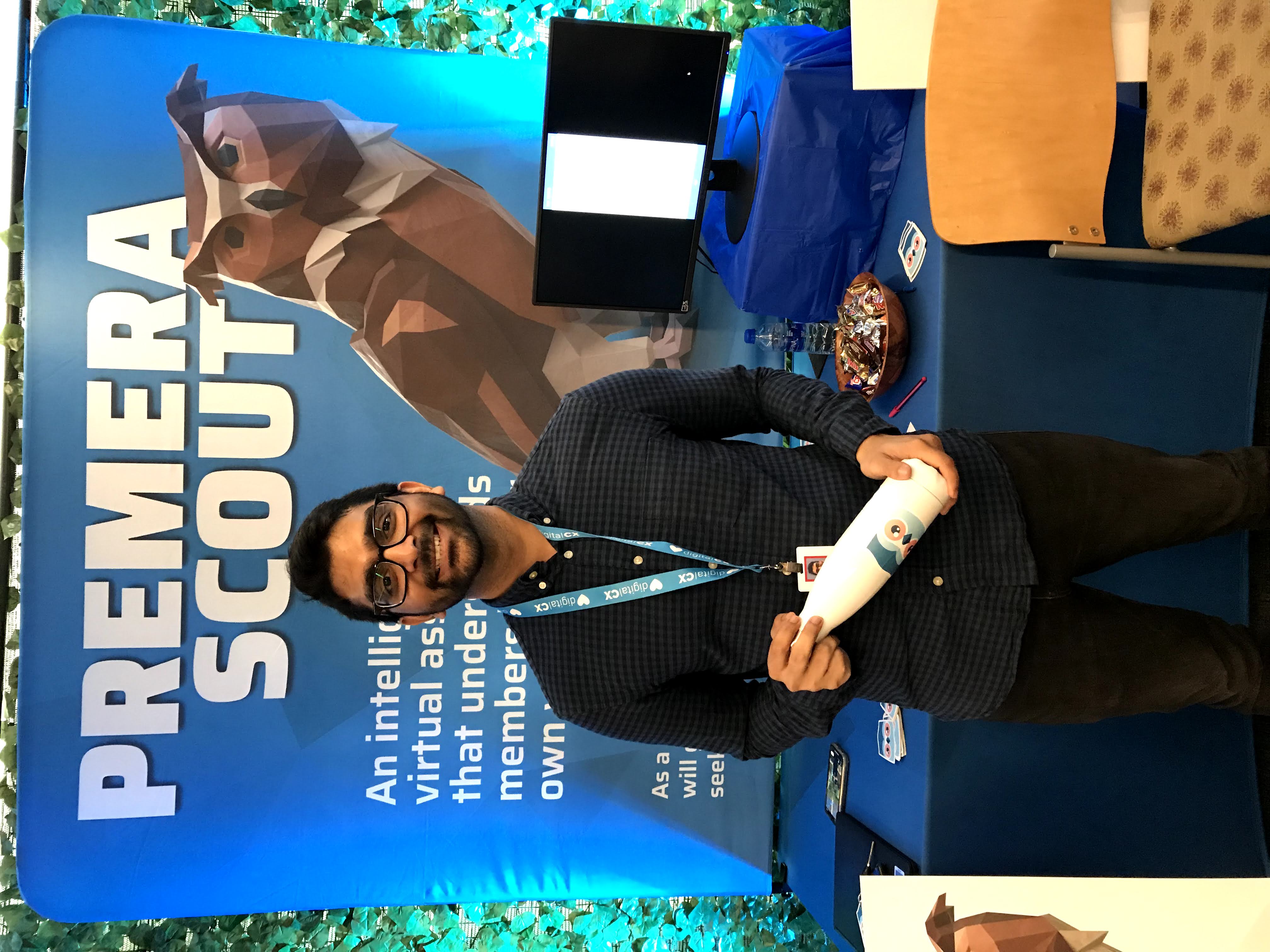
Premera Blue Cross is the largest health insurance company in the Pacific Northwest. I led the design of a chatbot that transformed how customers get help — making a stressful experience significantly faster and more satisfying.
Like most health insurance companies, it's difficult for Premera to earn customers' trust and satisfaction. To find opportunities to improve, we routinely sent feedback surveys to our customers. From these surveys, we discovered that 35% of people were frustrated when calling customer service.
My team was tasked with understanding what was causing this problem, and designing a solution.
Understand all the steps a user had to take to get connected to customer service.
What was causing frustration when customers called in?
What limitations did we have to design within?
What was feasible for our engineering team to build?
Directly observing the problem helped us understand the full context of a caller's experience before talking to users.
Talking to all three groups gave us a full picture — from the customer's frustration to the rep's experience to the business priorities.
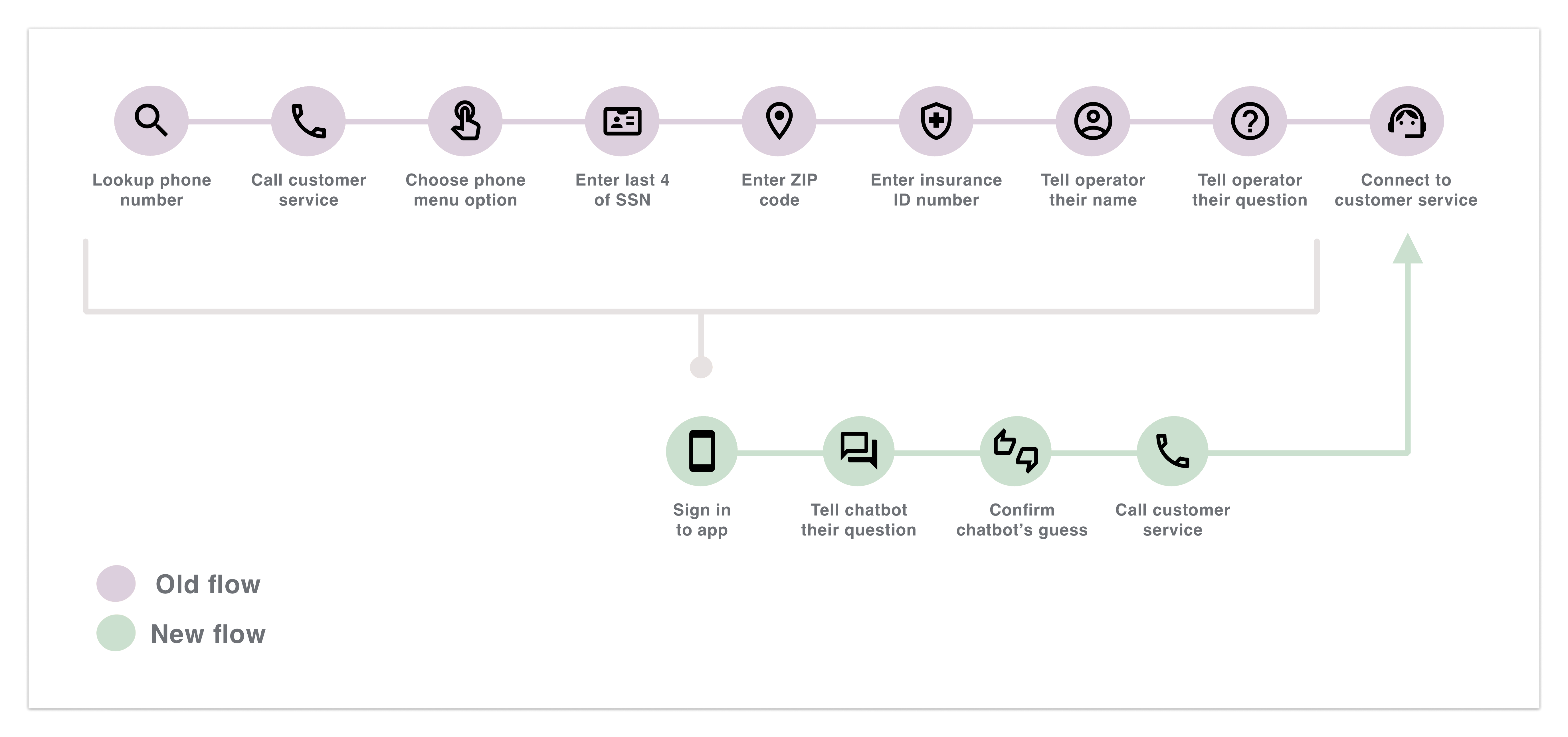
Our research helped us understand all the steps a user had to take to get connected to customer service.
It took callers about 3 minutes to go through our automated phone system, due to a strict verification process.
After finally getting connected to a representative, callers were often transferred to another person — restarting the frustrating process.
Calls ranged from people worried they couldn't afford surgery to people frustrated that their insurance had denied coverage. The emotional stakes were high before the call even began.
Customer service reps typically spent the first few minutes understanding and researching the caller's problem before being able to help — adding to call time and caller frustration.
The business wanted us to shorten and prevent calls — every minute saved had direct financial impact.
Our engineering team lacked resources, so the design had to be simple to develop.
Redesigning the automated phone system would be too expensive, so we had to find a solution that worked around it.
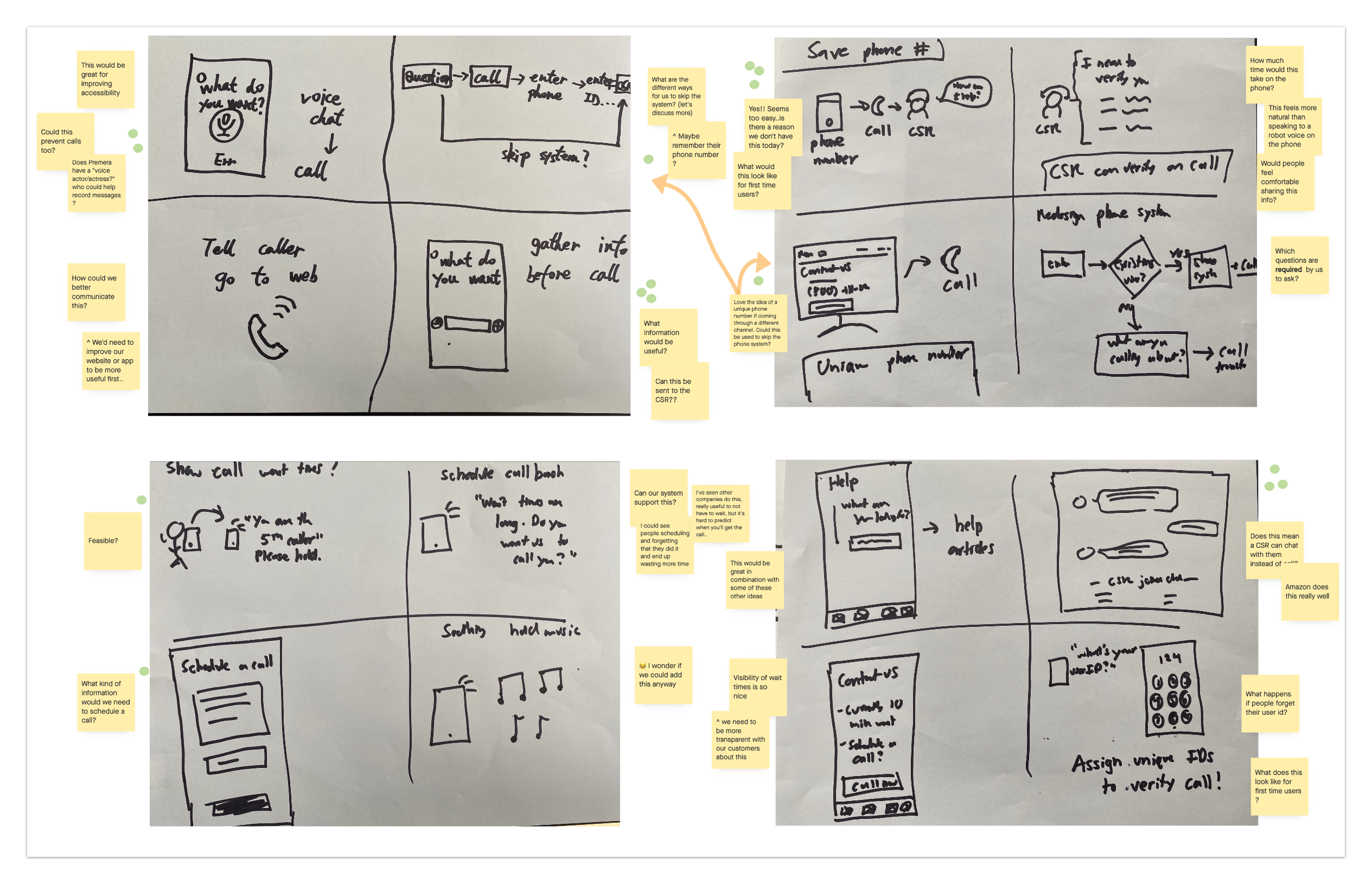
We presented the research findings to the team and brainstormed ways to solve the problem. Using the team's diverse expertise — engineering, business, data, and design — we generated ideas across different directions.
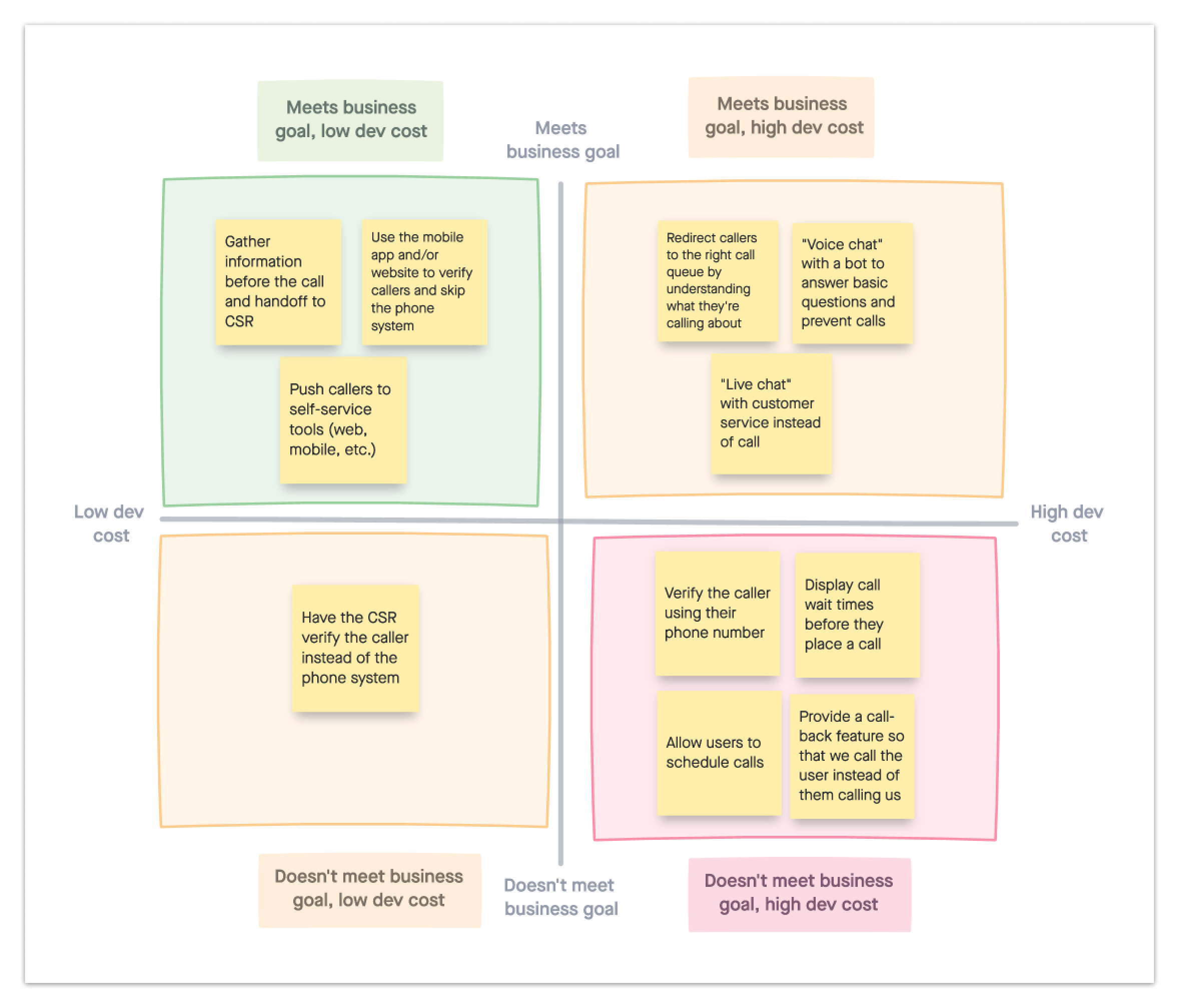
When deciding what concepts to design and test, the main factors were the business and technical constraints. After analyzing various potential solutions, the team agreed to explore the idea of utilizing our existing mobile app to verify callers and allow them to skip the automated phone system.
Two of the concepts that stood out were designing a chatbot or a form to replace the phone system. We decided to test both to understand their pros and cons.
A form felt more professional and was perceived as more efficient. However, the team decided to build the chatbot because it better supported our business goal of reducing calls, while still solving the core user problem.
A chatbot felt more informal, and users expected to get help without calling.
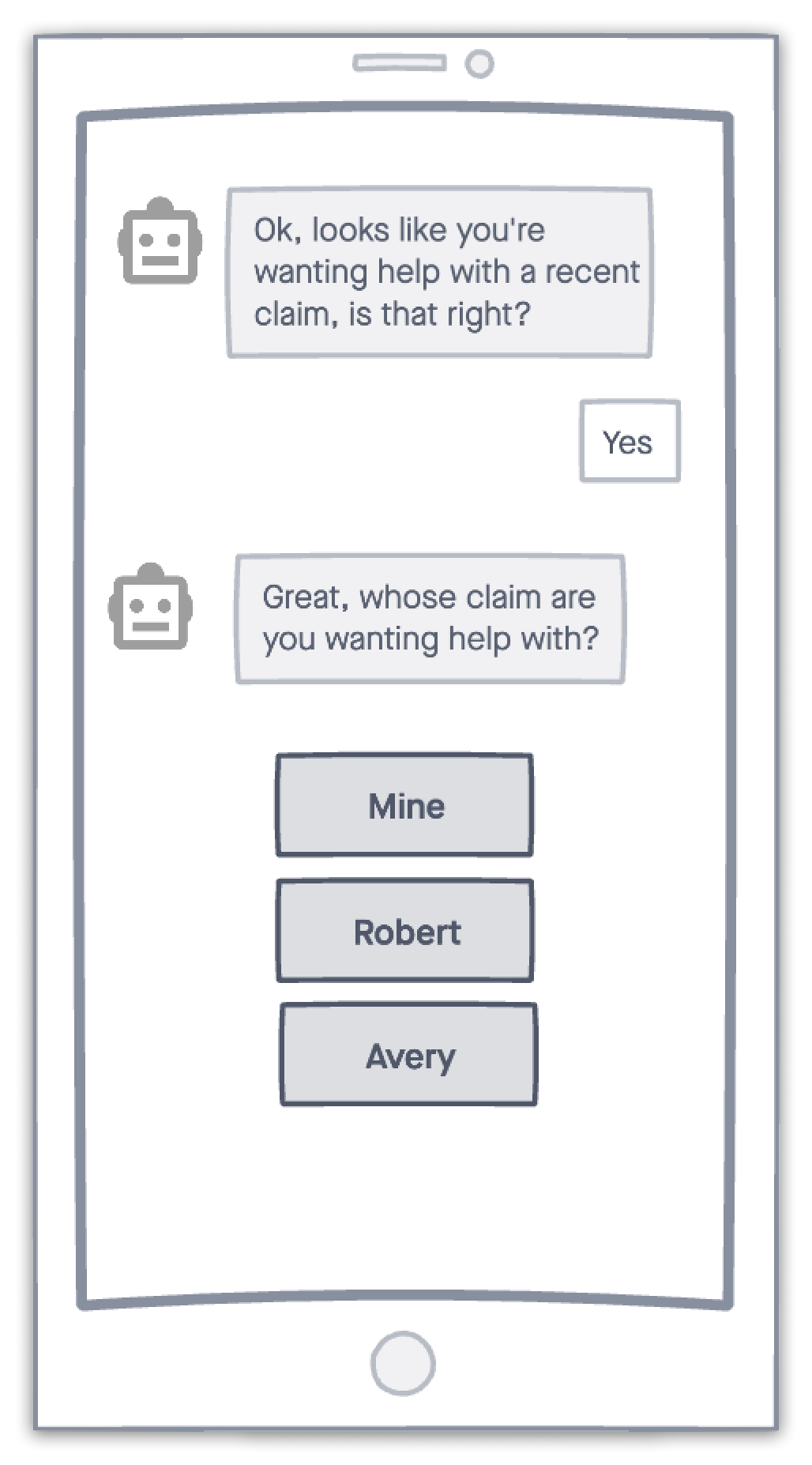
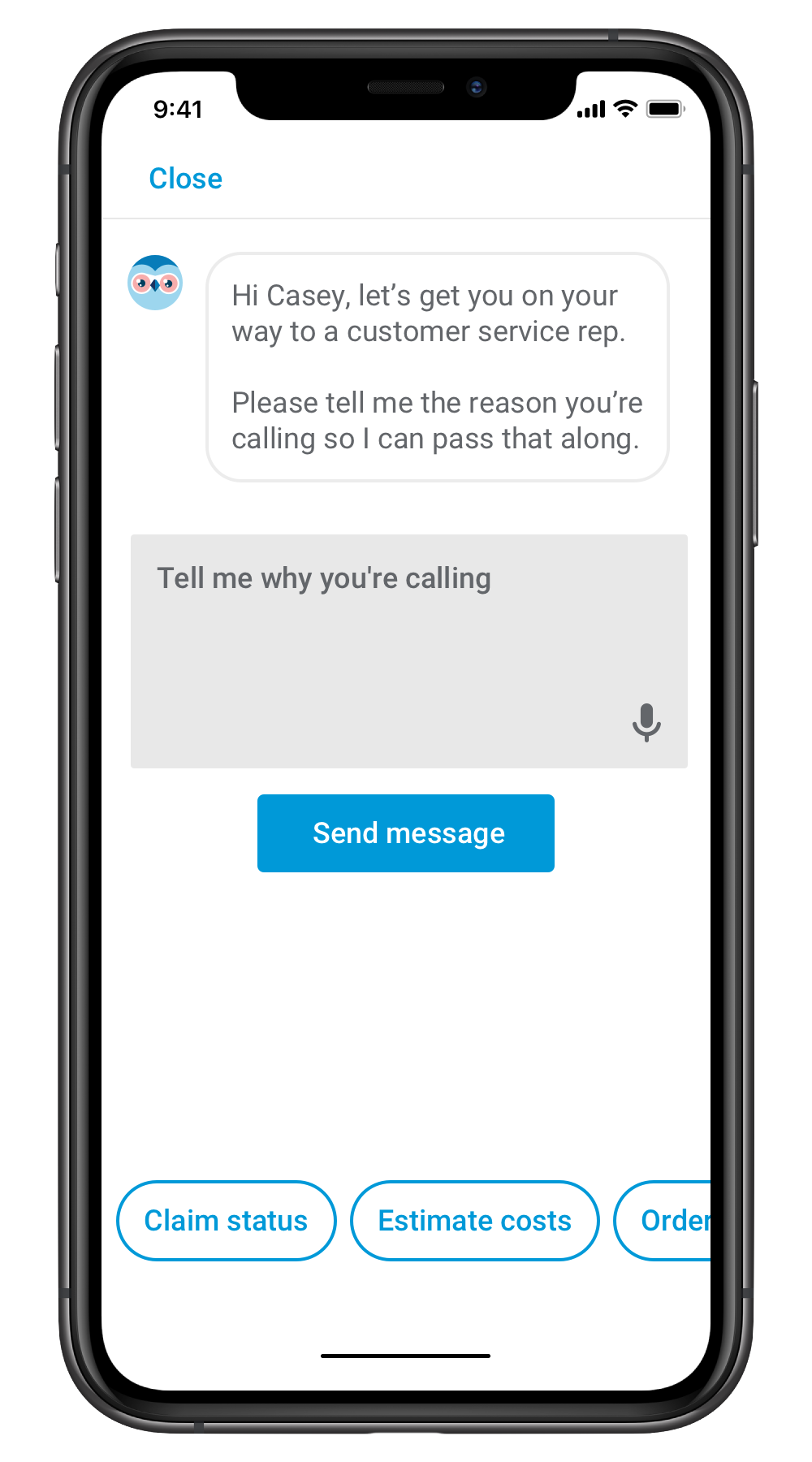
I designed multiple chatbot flows, varying in complexity and types of questions asked. In the end, it was about keeping the experience quick and simple for the user.
After converting the user flow to a prototype, I conducted usability tests to further refine the design. Here are a few of my key findings:
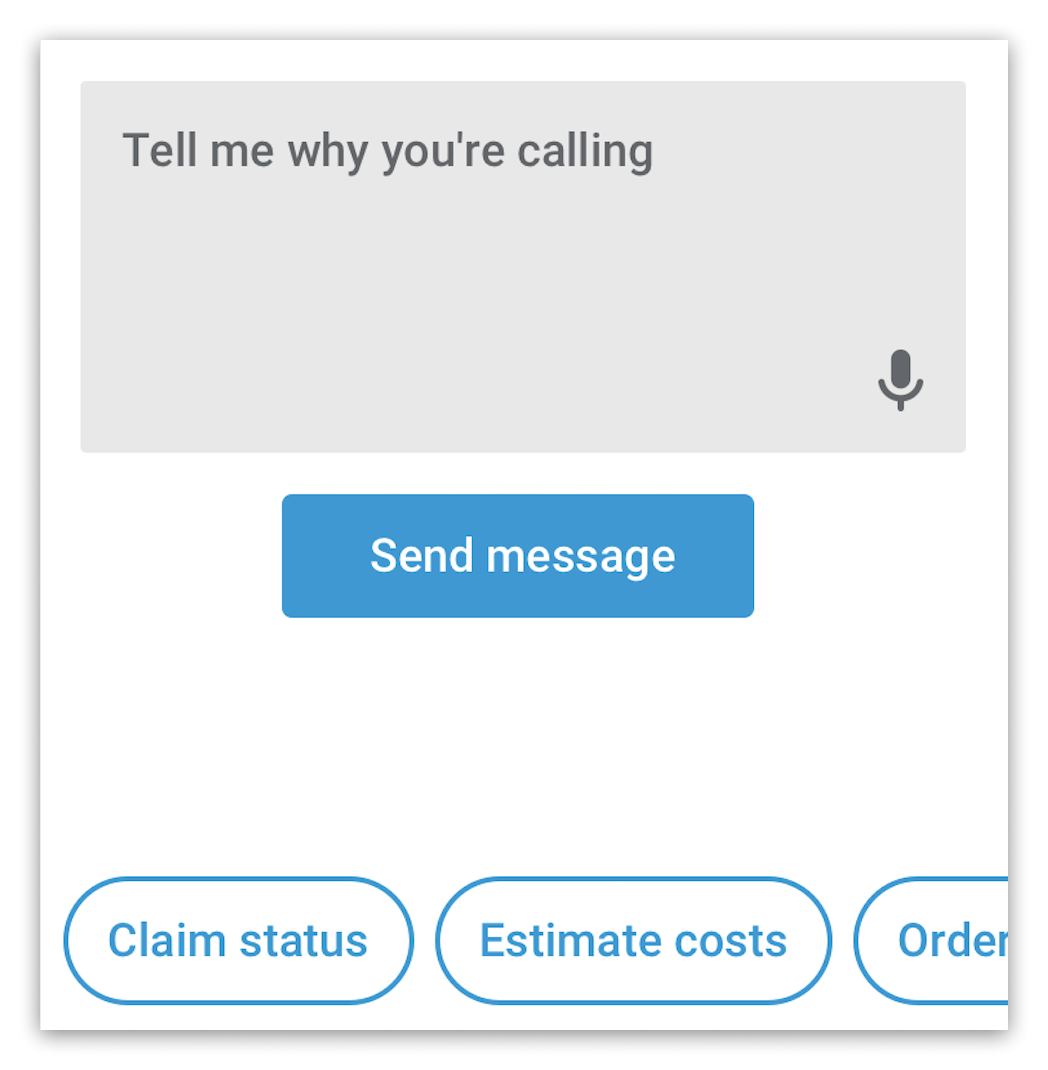
Help the user quickly answer the bot's question by clicking buttons or using their voice instead of typing out responses.
Users tended to only scan content and often missed information if the message was too long.
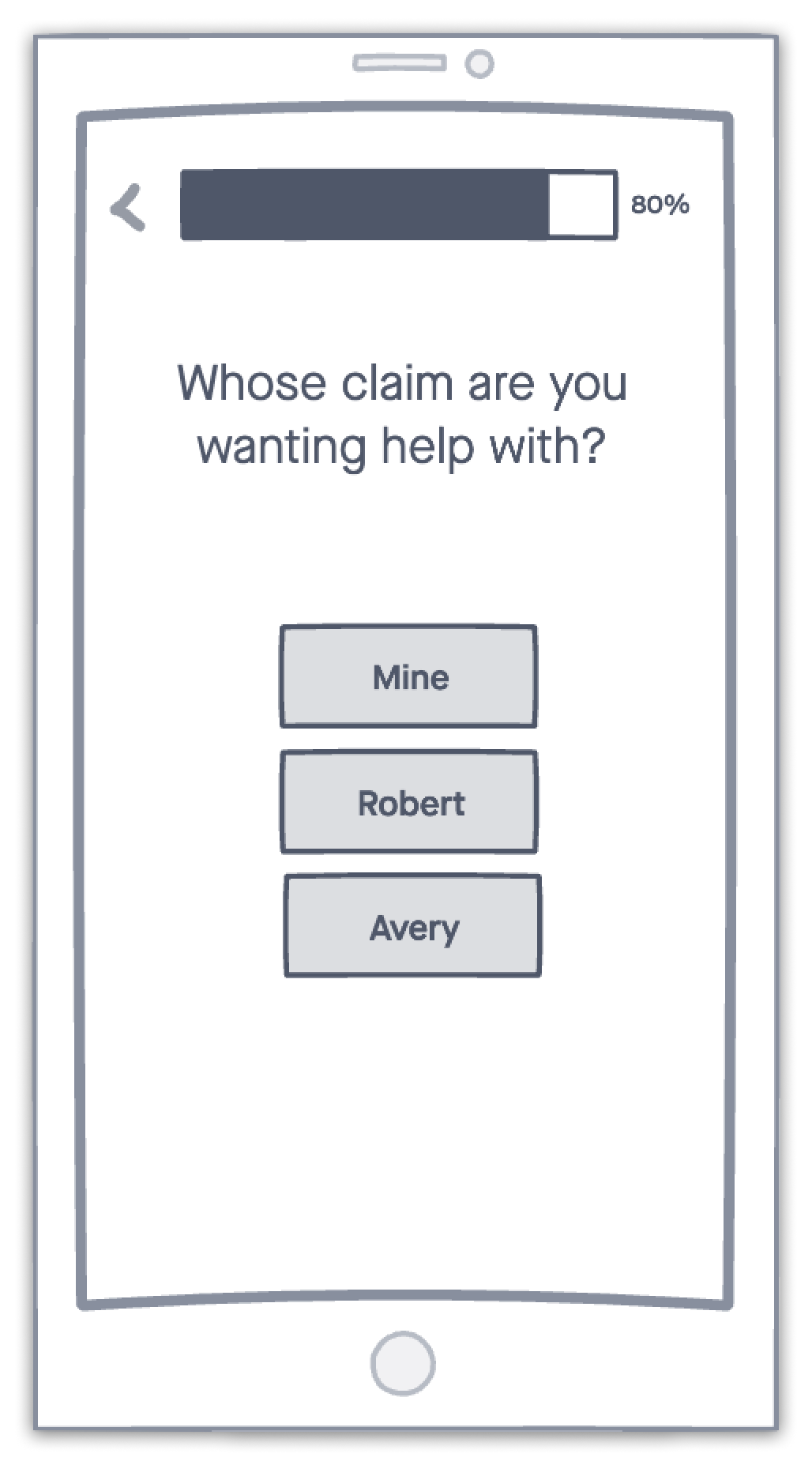
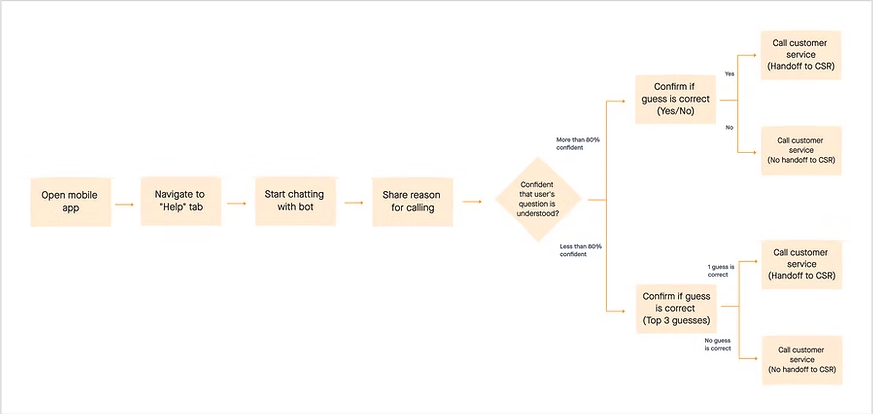
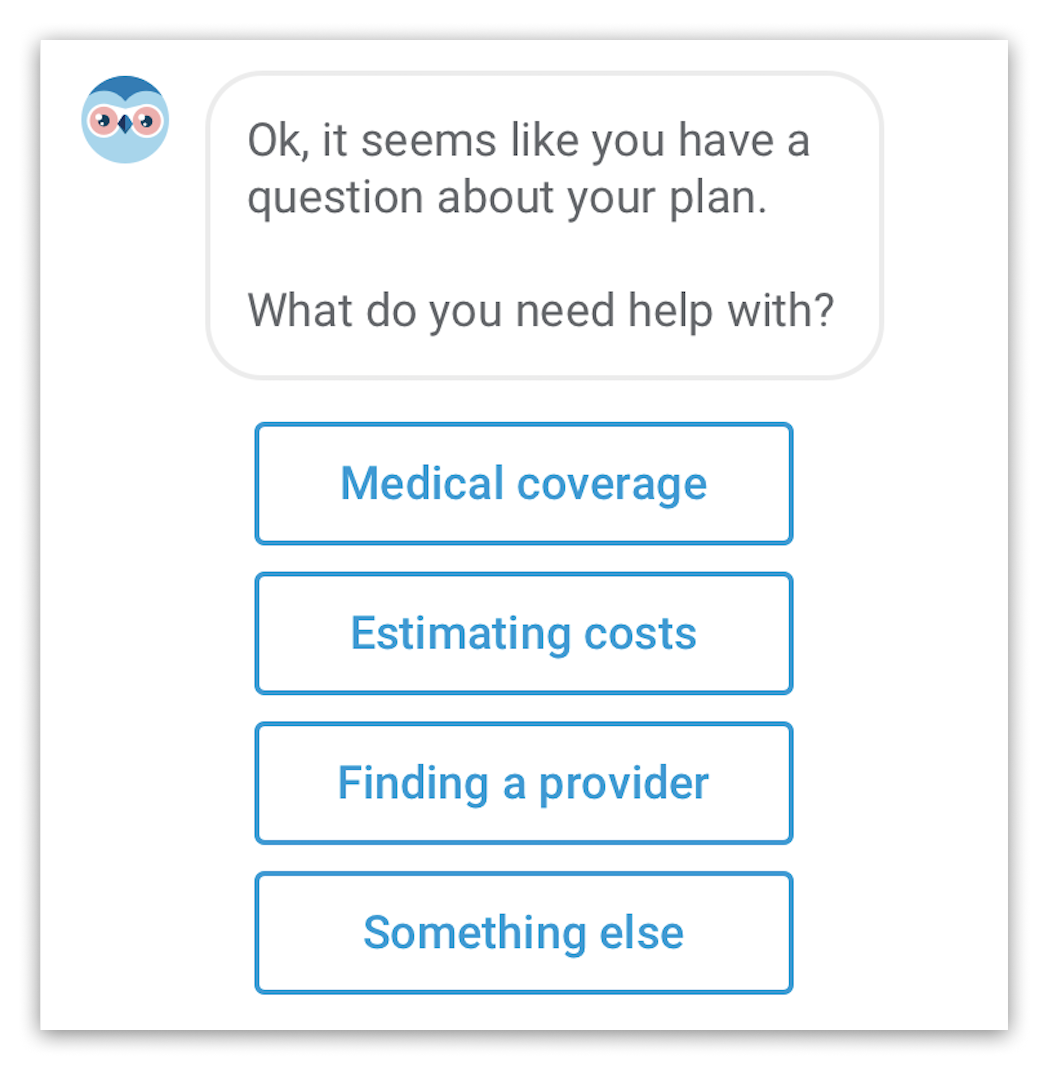
When clarifying the user's question, the bot should display its top 3 guesses along with a "Something else" option, so that the user is never trapped.
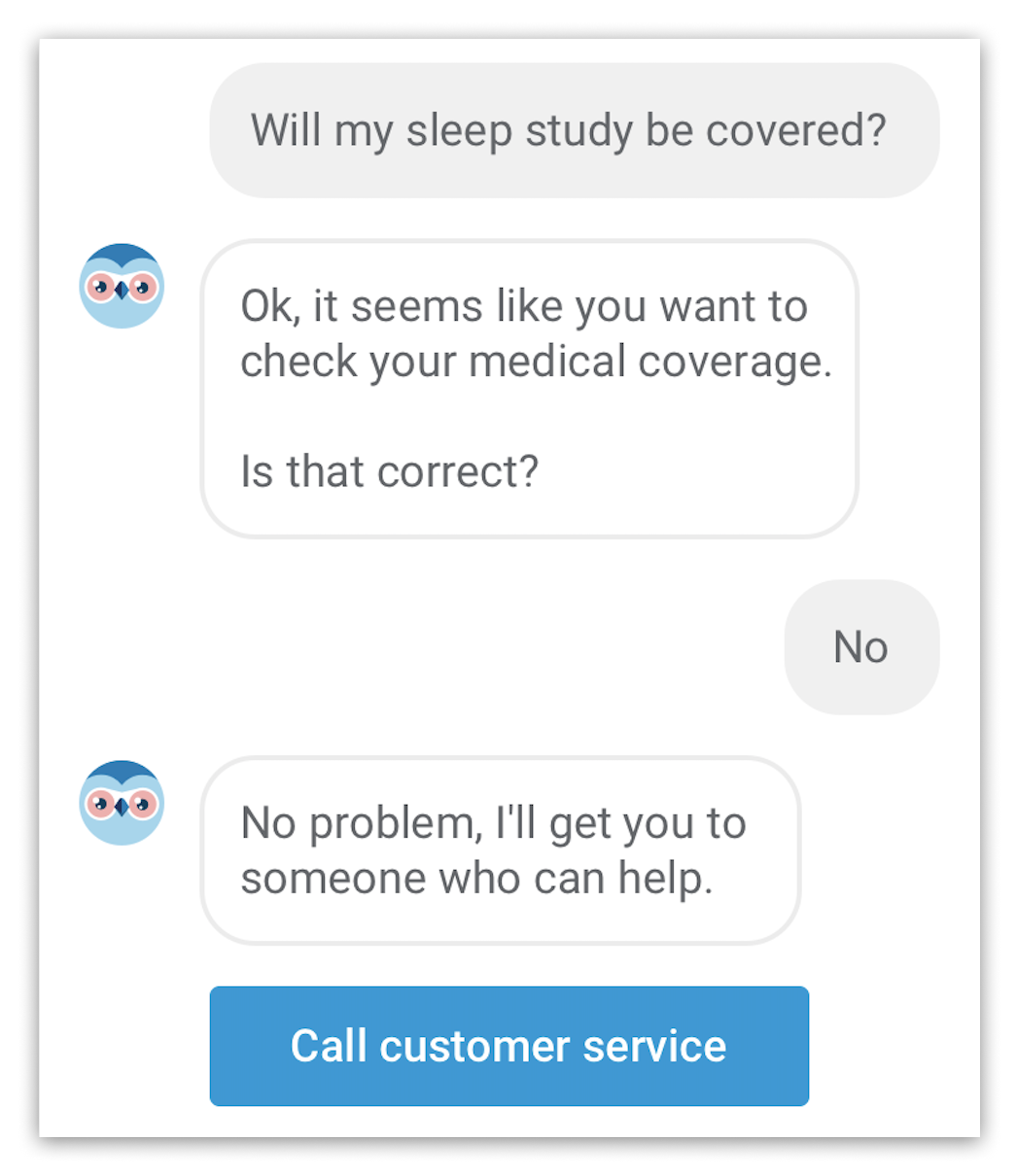
If the chatbot is unable to understand the user's question the first time, don't try again — just get them to a human.
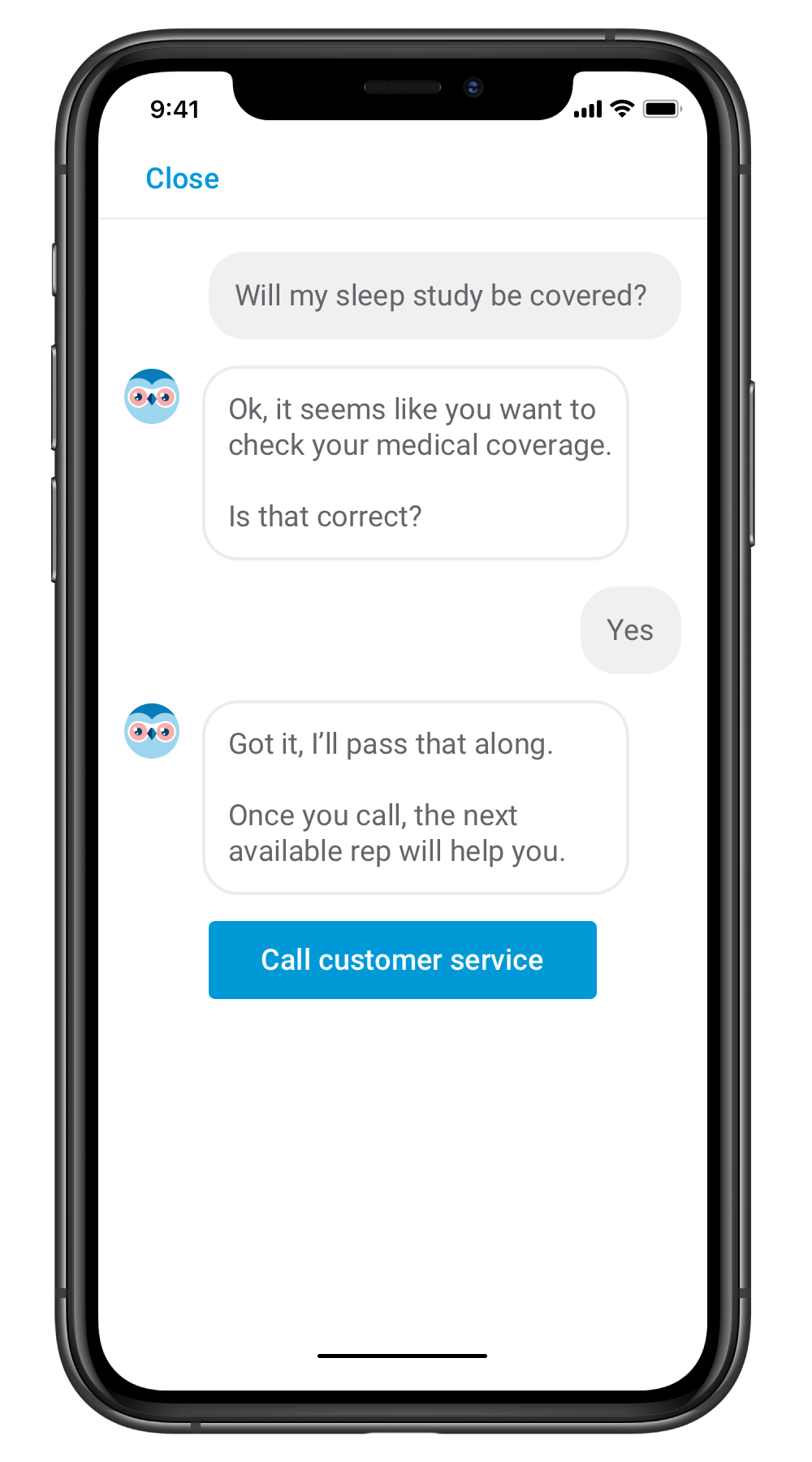
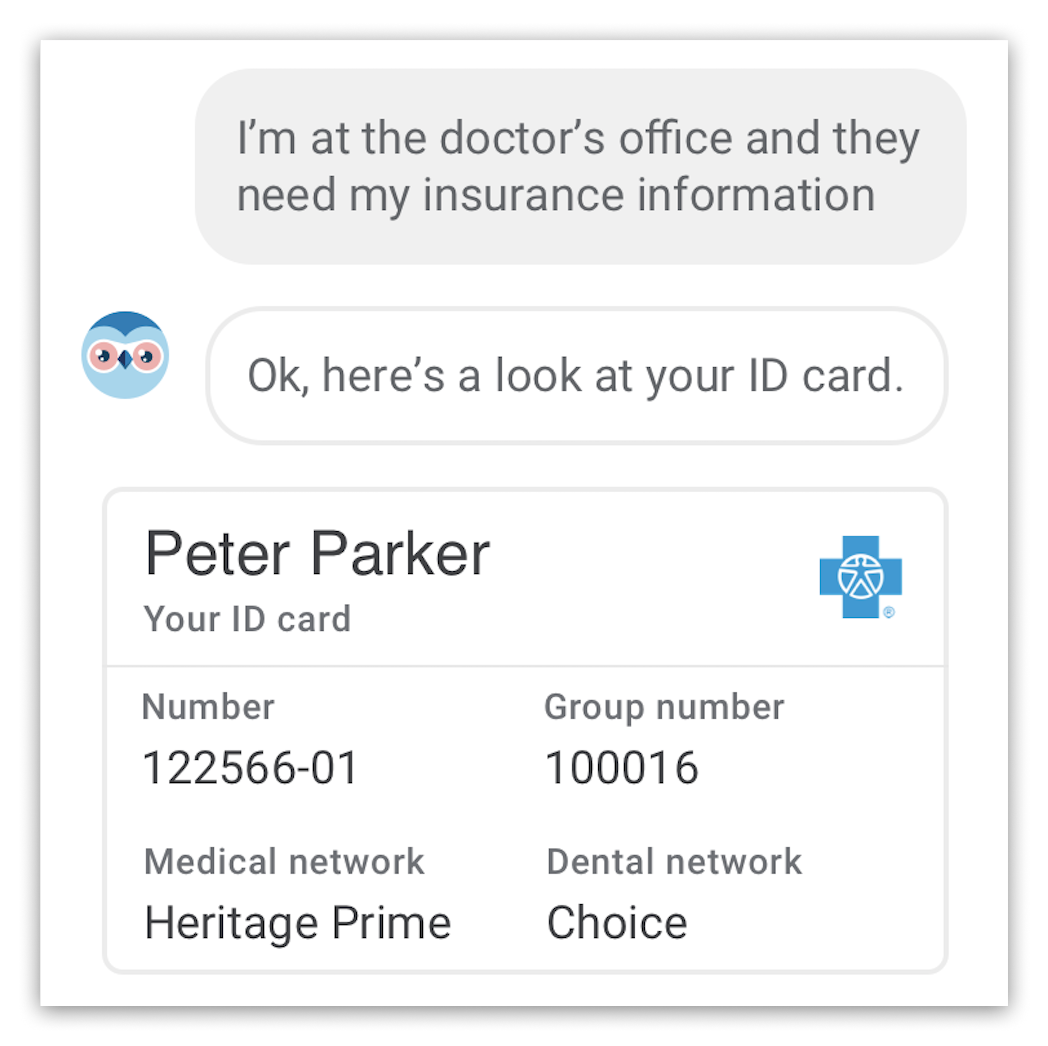
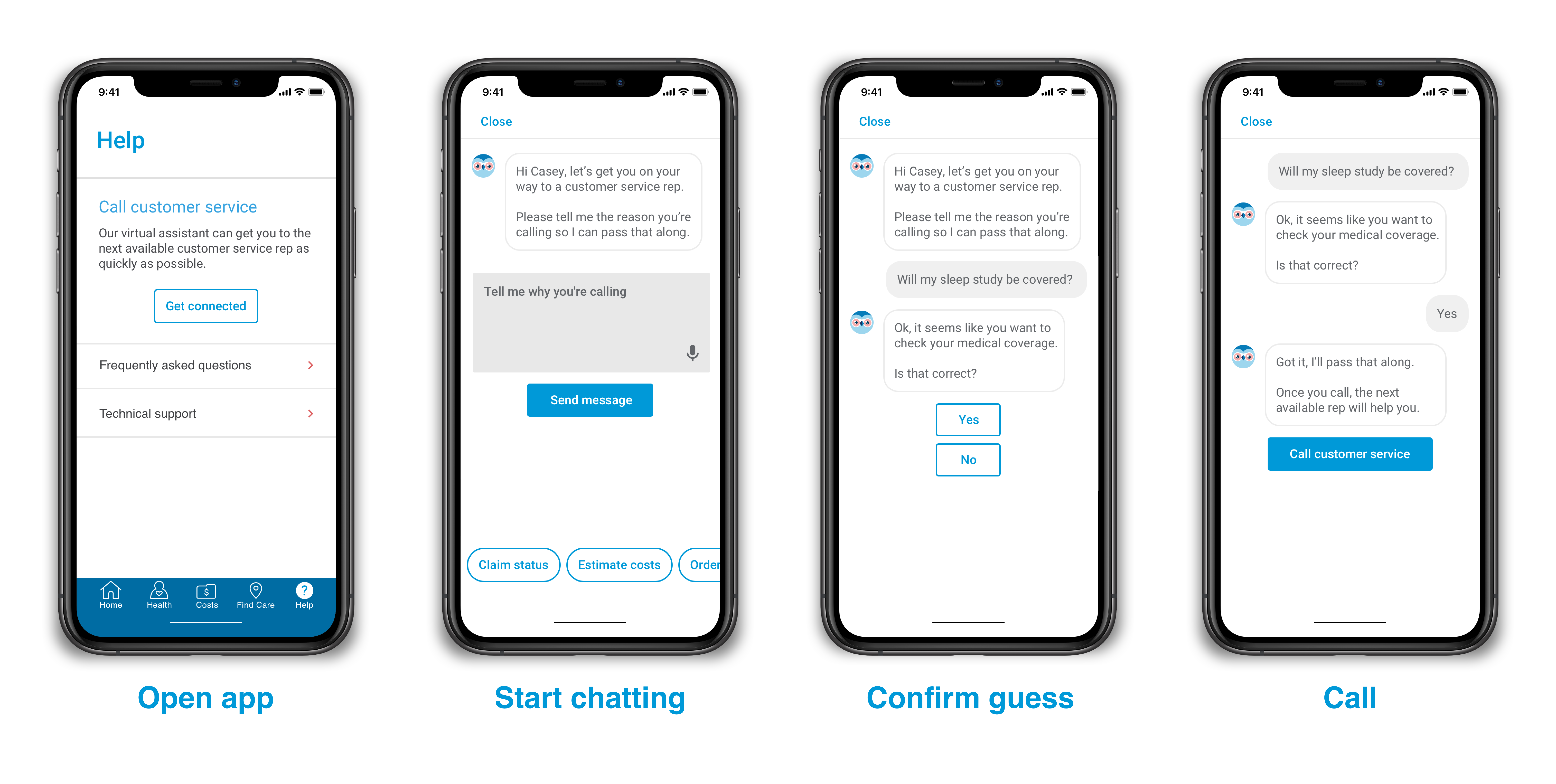
The final design used the existing Premera mobile app to authenticate callers and route them to the right customer service team — eliminating the painful automated phone system entirely for app users.
We successfully shipped this feature on both the Android and iOS Premera apps. Results were measured against the existing phone system over a 90-day post-launch period.
"I think this is an excellent step taken by Premera to help get me off the phone faster."
— App user reviewInvolving the engineers throughout the design process was critical in understanding technical constraints as well as promoting a culture of collaboration. This also helped reduce implementation time since they could start developing while I was still designing.
One of the biggest challenges with this project was balancing what was possible today with an ideal future state. However, the team is committed to continuously improving the chatbot's functionality so that it can answer more questions and help users without them ever needing to call.